Google Ads is the fastest way to get in front of people who want what you sell, and the fastest way to spend money on people who don’t. The difference between the two isn’t the platform. It’s the set-up and the attention the account gets afterwards. This guide explains how the money actually leaves your account, the five places it leaks, how to read your own reports to find the waste, and what a well-run account does each week that a neglected one doesn’t.
How Google Ads charges you
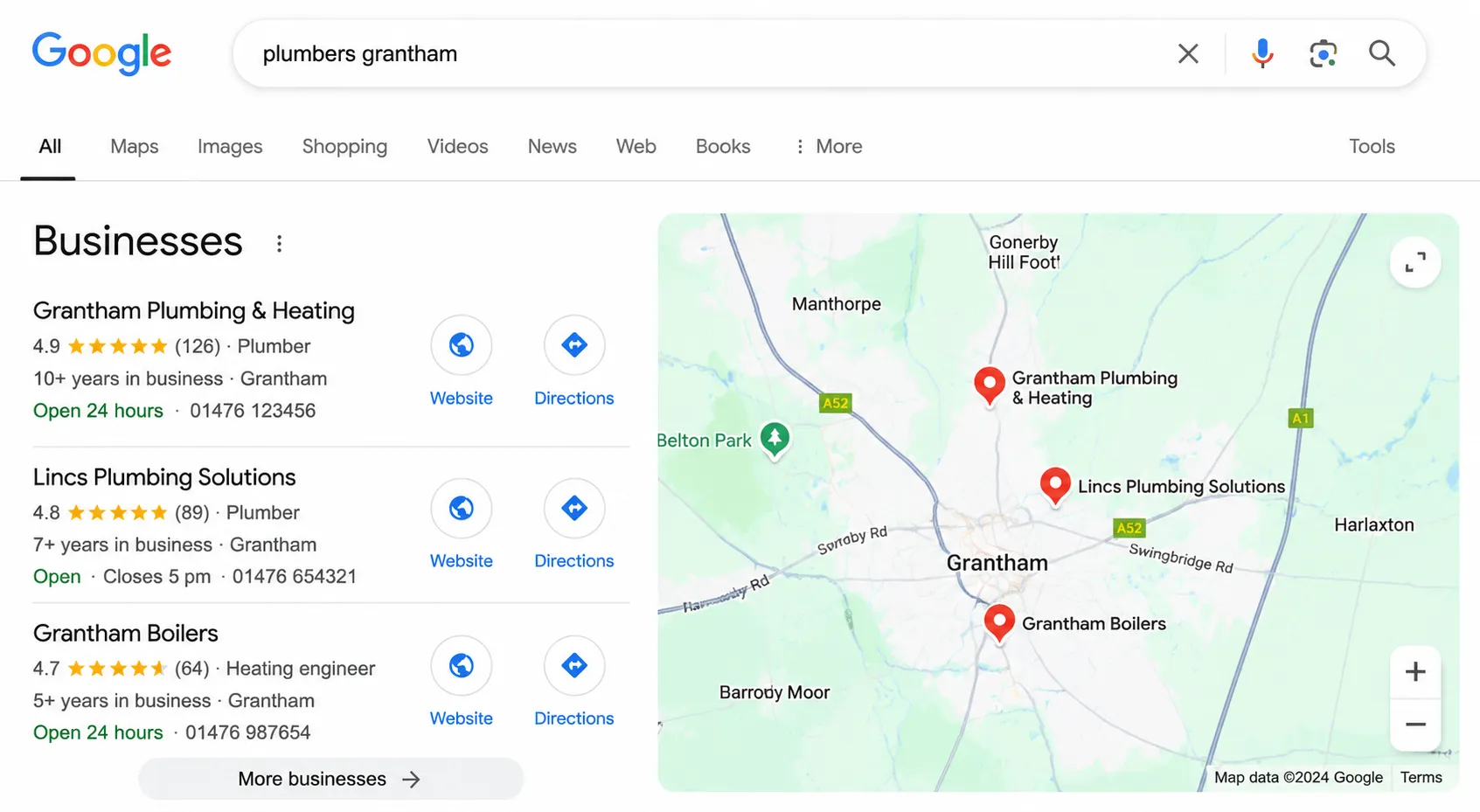
You pay when someone clicks your ad, not when they see it. What a click costs depends on how many other advertisers want the same search and how good Google thinks your ad and landing page are. A plumber in Grantham might pay a pound or two a click; a solicitor bidding on injury claims might pay twenty or more. You set a daily budget, Google spends up to roughly that each day, and at the end of the month you’ve paid for a pile of clicks. Whether any of them became customers is a separate question, and the one that matters.
The five places budget leaks
Searches that sound right but aren’t. You sell new boilers. Someone searches “boiler repair”, or “boiler manual”, or “how to bleed a radiator”, and your ad shows because the search contains “boiler”. They click, they leave, you pay. In most accounts we audit this is the biggest single leak. The fix is reviewing the actual search terms people used and blocking the ones that don’t fit, every week, forever.
Match types set too loose. Google offers to show your ads for searches it thinks are related to your keywords. Left on its default setting, “related” can mean almost anything. Tightening match types cuts the volume and raises the quality.
The wrong places. An ad for a Lincolnshire electrician showing to someone in Lincoln, Nebraska. Or in London. Location settings are easy to get wrong, and a common default includes people “interested in” your area as well as people in it.
No negative keywords. The list of words that should stop your ad showing: “free”, “jobs”, “DIY”, “course”, your competitors’ names if you don’t want to pay for their traffic. An account without a negative list is paying for all of them.
Landing pages that don’t convert. The click was good. The person wanted a boiler. They landed on your homepage, couldn’t find boilers, and left. Every pound spent on a weak landing page is a pound that bought a visit instead of an enquiry. Accelerator Hire’s leads went from 10 a month to 50+ on the same kind of budget once the site was built to convert.
Tracking comes before spending
None of the above can be found without tracking. If you don’t know which clicks became calls, forms or sales, you can’t tell good searches from bad ones, and the account can’t be improved. Before any campaign goes live, we set up tracking for calls, forms and (for shops) orders, and we measure results from your own records rather than Google’s estimates, which run generous. Mobiquip’s reports use WooCommerce’s order data for exactly this reason.
If you’re already running ads, this is the first thing to check. Open your account, look at the Conversions column. If it’s empty or it’s counting page views, you’re flying blind.
How to set a starting budget
Work backwards from what you want. How many enquiries a month would make the campaign worth it? What percentage of visitors to a good landing page will enquire (2 to 5% is typical for a service business)? Divide one by the other and you’ve got the clicks you need. Multiply by what a click costs in your industry and you’ve got a monthly budget. Our free Google Ads budget calculator does this sum.
Then add a margin, because the first month is a learning month and the conversion rate improves as the account is refined. We recommend at least £500 a month in ad spend as a starting point. Below that there usually isn’t enough data to improve the campaign, and you end up paying for clicks without ever finding out which ones worked.
Reading your own account: five reports
You don’t need to be an expert to find the waste. Five reports in Google Ads tell most of the story.
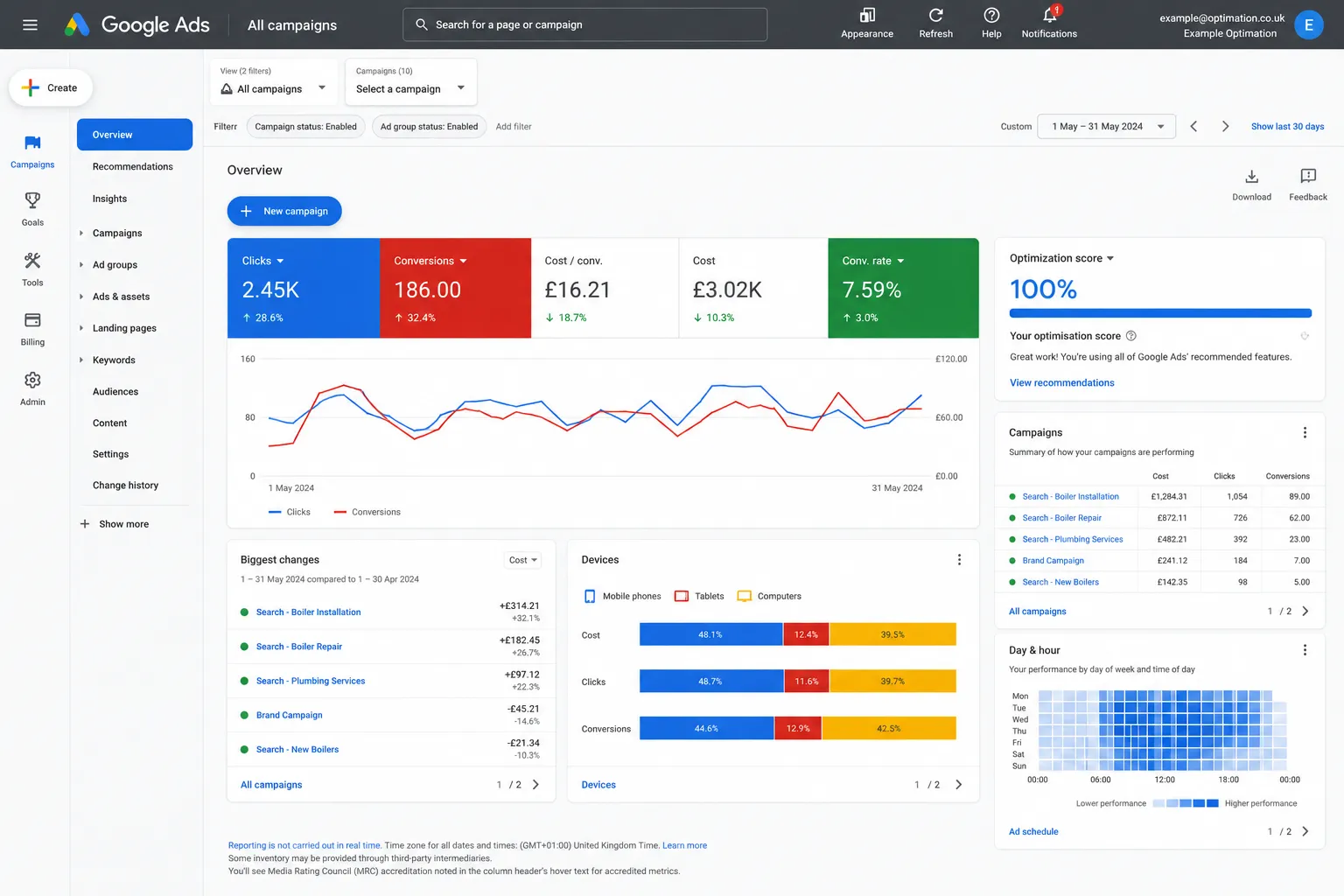
- Search terms. The actual searches that triggered your ads. Sort by cost. Anything irrelevant in the top twenty is money gone.
- Locations. Where the clicks came from. Anything outside your service area is waste.
- Devices and times. If you’re a trade and 40% of your spend is at 2am, something’s wrong.
- Conversions by campaign. Which campaigns produce enquiries and at what cost each. The ones producing none need fixing or stopping.
- Landing page performance. Which pages convert and which don’t. The non-converters are where your clicks go to die.
Half an hour with these five will tell you whether your account is being managed or just running.
What a managed account does every week
Search terms reviewed and negatives added. Bids and budgets adjusted towards what’s converting. Ad copy tested, the loser paused. Landing pages checked. Tracking checked, because it breaks when websites change. And once a month, a report that says what was spent, what it produced, what changed and what’s next, measured against the same month last year so seasonal swings don’t mislead anyone.
That’s the difference between an account that was set up and an account that’s managed. When we split Mobiquip’s pushchair product groups so each one had its own bid, ads orders went from 1.1 a day to 2.8 within a fortnight. That change took an afternoon. It only happened because someone was looking.
When to stop and audit
If you’ve been running ads for three months and can’t say what each enquiry cost you, stop and audit before spending more. If the cost per lead is rising month on month, audit. If your agency’s report is all impressions and click-through rates with no enquiries in it, audit. An audit shows where the money went and what to change, and you can act on it yourself or hand it to someone else.
Talk to us
We’ll audit your account and tell you plainly where the budget is going. Ring 0800 699 0037 or email hello@codesky.co.uk.