Free tool · PPC
PPC ROI Calculator
Before you spend on ads, work out whether the maths works.
 Built by Talia Rhodes
Free, no sign-up
Built by Talia Rhodes
Free, no sign-up
How it works
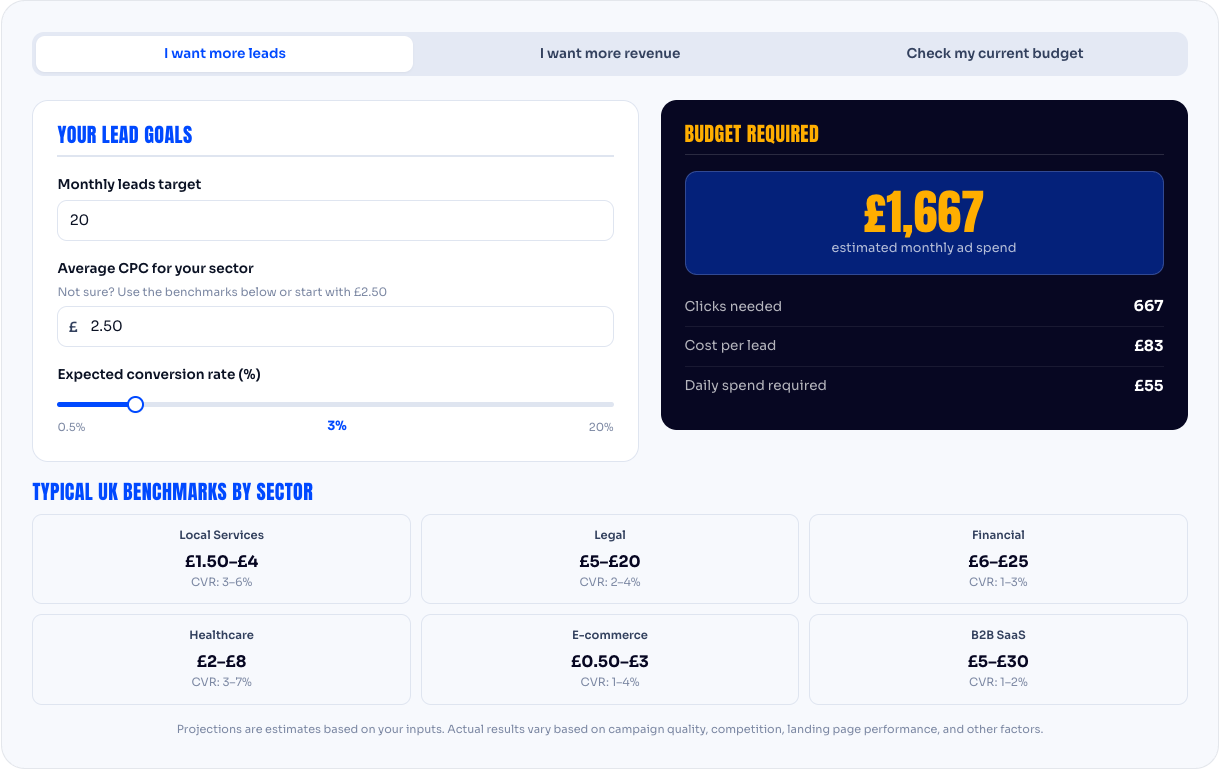
Enter your monthly ad budget, your expected cost per click, your conversion rate, how many enquiries turn into customers, and what a customer is worth to you. The tool shows the return: revenue produced against money spent.
How to read the result
A return above zero means the ads pay for themselves at those assumptions; the question is whether the margin is enough to be worth the effort. If it's negative, change one input at a time to see what would have to be true. Often the answer is "the landing page needs to convert better" or "we need to charge more", not "ads don't work".
Where the numbers come from
Conversion rate. The share of visitors who enquire. Google Analytics shows it once your enquiries are being tracked. If you don't know yours, 2 to 5% is typical for a service business.
Close rate. The share of enquiries that become paying customers. This comes from your own records, not from any tool.
Customer value. What a customer is worth to you: your average sale, multiplied by how many times a customer buys from you.
Questions people ask
How much does Google Ads cost for a small business?
There are two costs: the money you pay Google for clicks, and the fee for managing the account. The click cost depends on your industry, with competitive sectors like legal, finance and trades costing more per click than most. We recommend a starting ad budget of at least £500 a month, because below that there isn't enough data to improve the campaign.
What's a good conversion rate?
For a service business, 2 to 5% of visitors enquiring is typical. The landing page decides most of it: the same budget on a page that converts at 5% produces more than twice the leads of one converting at 2%.
Can I set a daily limit?
Yes. You set a monthly budget and Google won't spend beyond it. We'll recommend a figure that gives the campaign enough data to work with, and you stay in control of it.