
Free Digital Marketing Tools
Calculators and checkers you can use without giving us your email address.
These are tools we built because clients kept asking us the same questions. Use them as much as you like. If the result raises a question, ring us and ask.
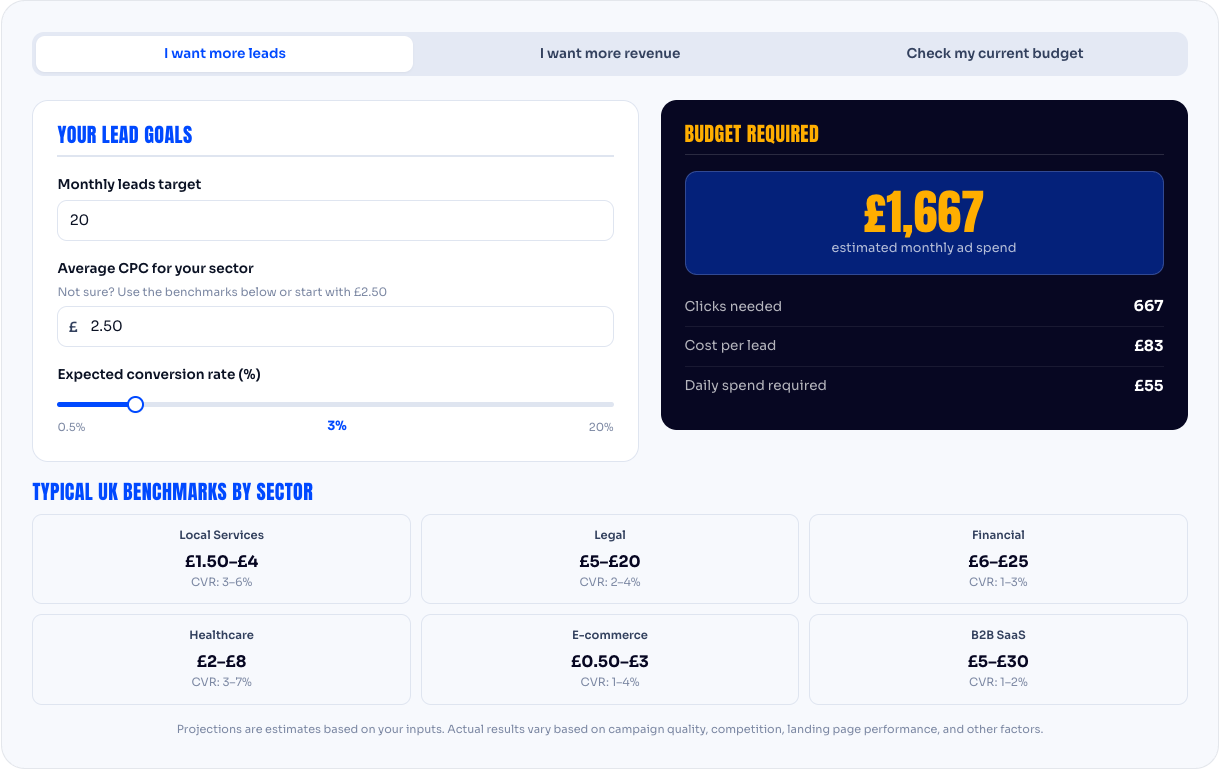
Put in your average sale value, your conversion rate and how many leads you want, and see roughly what monthly budget you'd need.
How it works
Put in how many leads or sales you want a month, what percentage of visitors you'd expect to enquire (your conversion rate; 2 to 5% is typical for a service business if you don't know), and what a click costs in your industry (the tool suggests a range). It works backwards: leads needed, divided by conversion rate, gives clicks needed; clicks times cost per click gives budget.
How to read the result
It's an estimate, and it's usually the floor rather than the ceiling. Real campaigns take a month or two to reach their best conversion rate, so budget a little more at the start. If the figure comes out under £500 a month, it's probably too low to produce enough data to improve on; that's the minimum we recommend.
Built by Talia Rhodes, Marketing Manager
Use the tool
Work out whether Google Ads is likely to pay for itself for your business before you spend a penny.
How it works
Enter your monthly ad budget, your expected cost per click, your conversion rate, how many enquiries turn into customers, and what a customer is worth to you. The tool shows the return: revenue produced against money spent.
How to read the result
A return above zero means the ads pay for themselves at those assumptions; the question is whether the margin is enough to be worth the effort. If it's negative, change one input at a time to see what would have to be true. Often the answer is "the landing page needs to convert better" or "we need to charge more", not "ads don't work".
Built by Talia Rhodes, Marketing Manager
Use the tool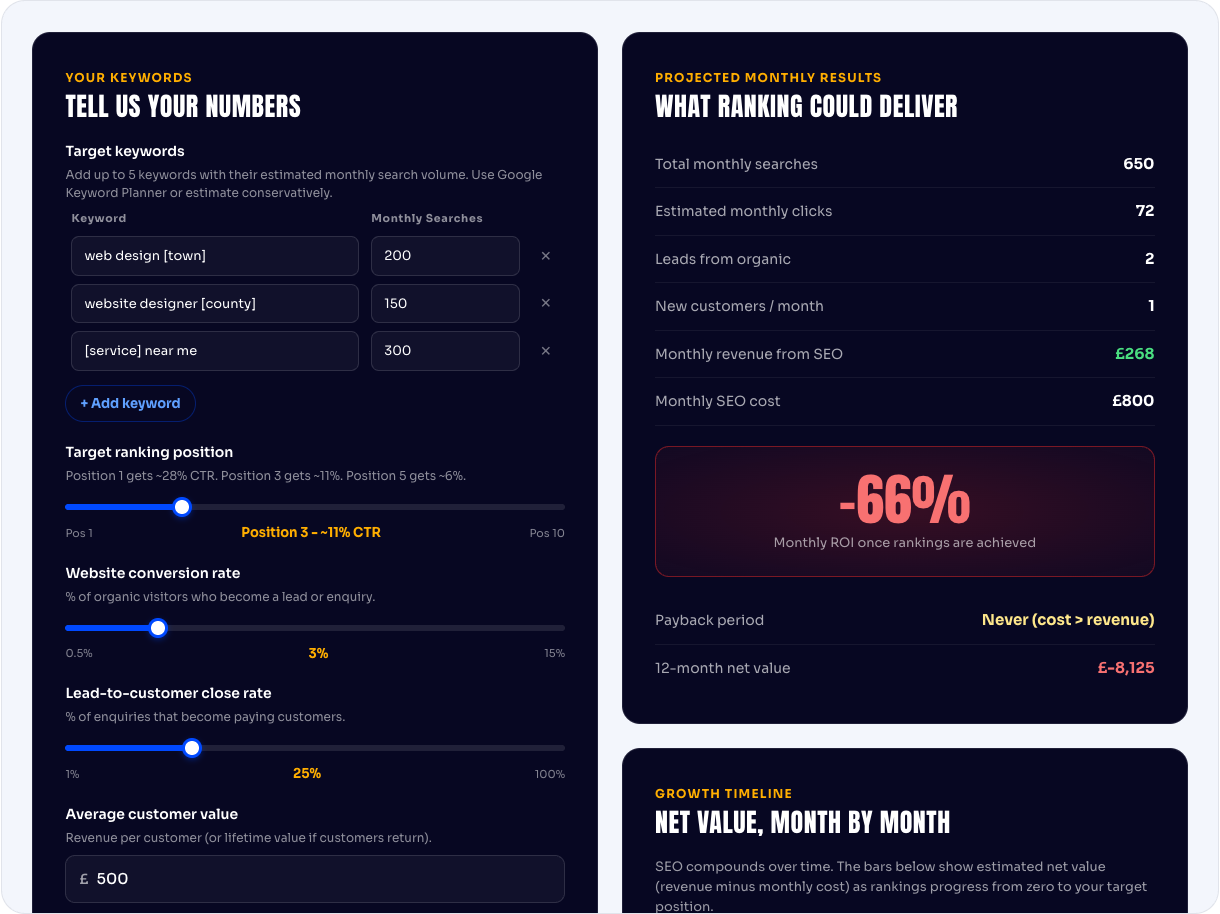
A rough answer to "is SEO worth it for us?", based on your market and what a customer is worth.
How it works
Enter the monthly searches for the terms you'd like to rank for, a realistic click share (the tool suggests one by position), your conversion rate, your close rate and a customer value. It estimates monthly revenue from ranking, against a monthly SEO cost.
How to read the result
SEO's return arrives late and then keeps coming, so look at the twelve-month figure rather than the first month. The calculator assumes you reach the position you enter; the SEO page explains how long that usually takes (three to six months for movement, six to twelve for competitive terms).
Built by Talia Rhodes, Marketing Manager
Use the tool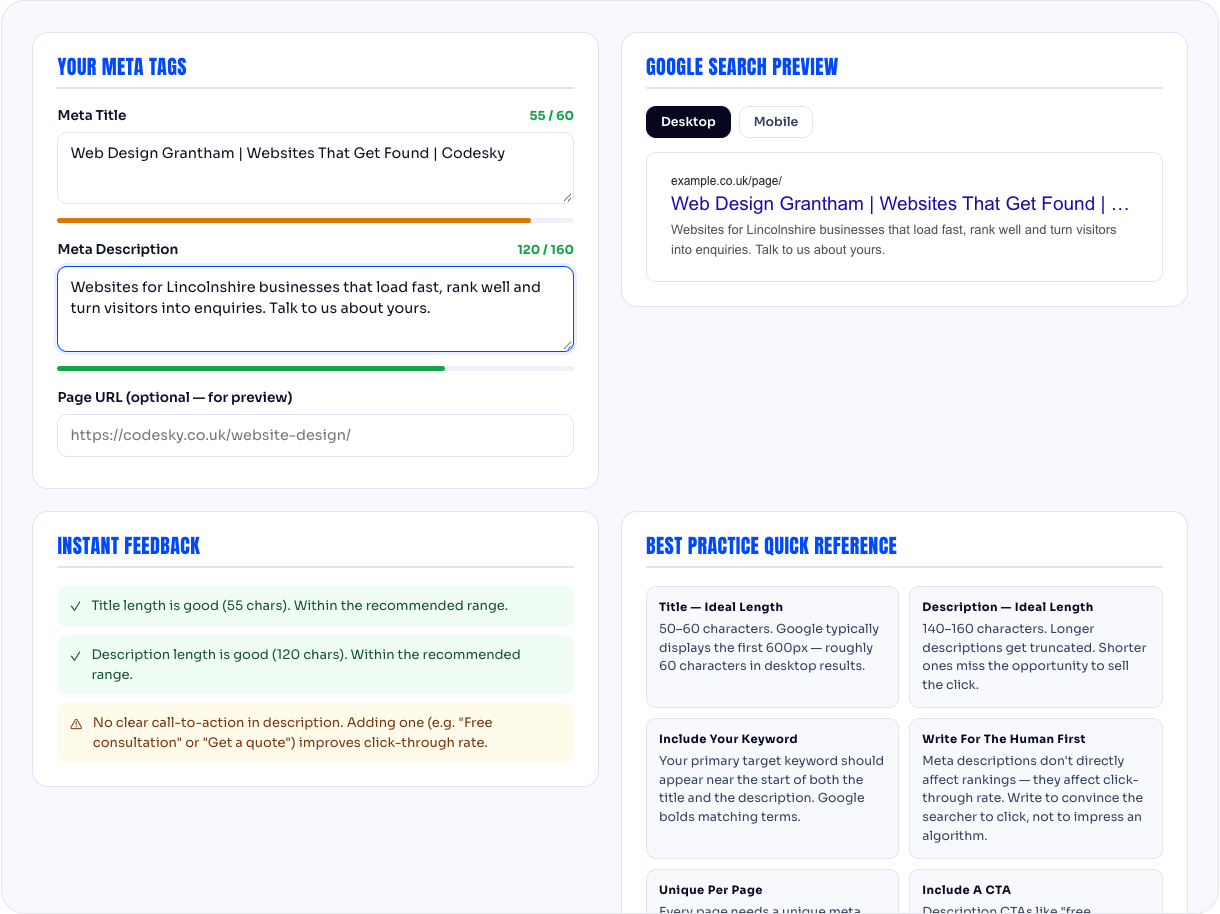
See how your page will look in Google's results and whether the title or description will be cut off.
How it works
Paste your title and description. The tool shows a preview of the Google result on desktop and mobile and warns you if either will be cut off.
What makes a good one
Title. The search term near the front, your brand at the end, around 55 to 60 characters.
Built by Acer Arbuckle, Development Lead
Use the tool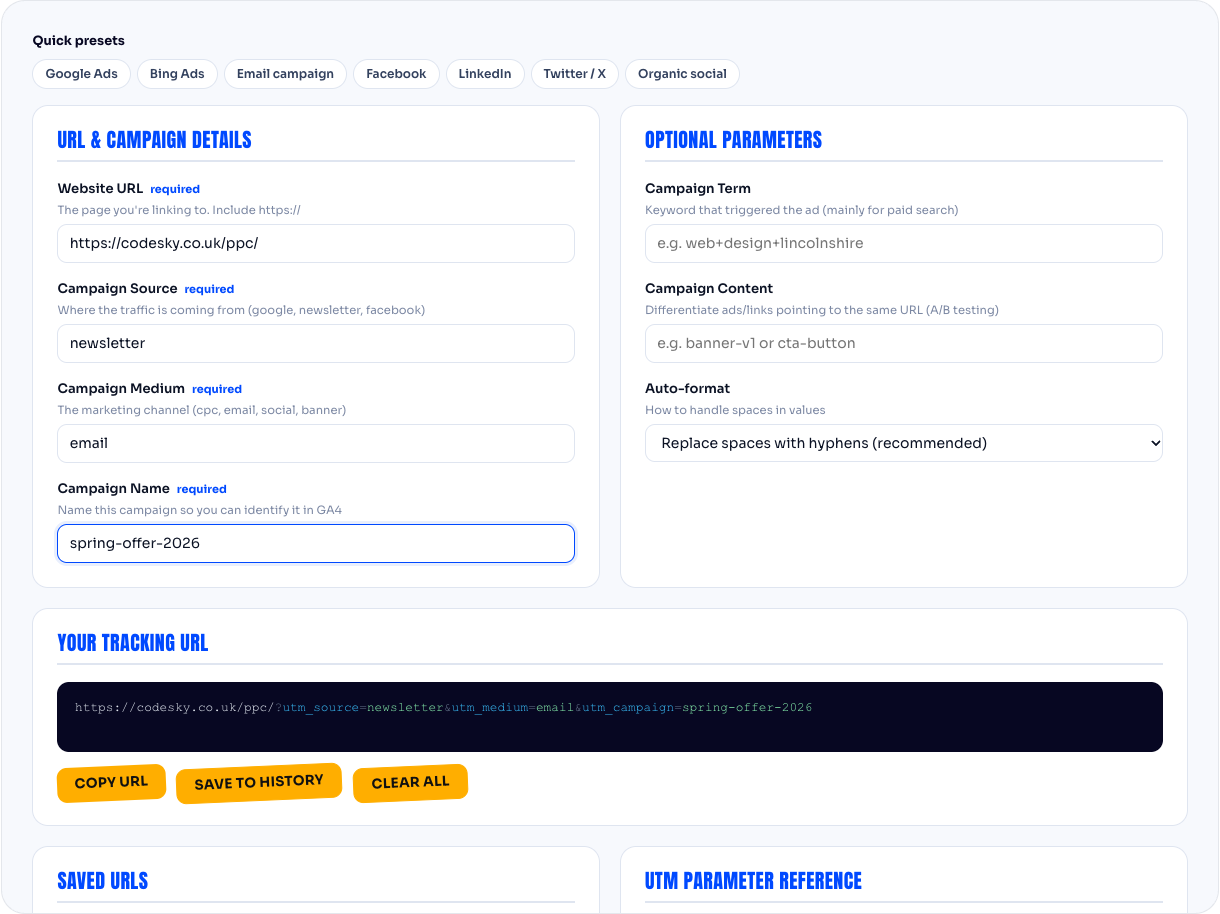
Build tracking links for your campaigns so Google Analytics can tell you where visitors came from.
How it works
Enter the page address and the source, medium and campaign name. The tool builds the link. Use that link in your email, your social post or your ad, and Analytics will report visitors from it separately.
Keeping it tidy
Pick a naming convention and stick to it: lower case, no spaces, same words every time. "newsletter" and "Newsletter" are two different sources to Analytics, and after a year of inconsistency the reports are useless. Our suggested convention:
Built by Acer Arbuckle, Development Lead
Use the tool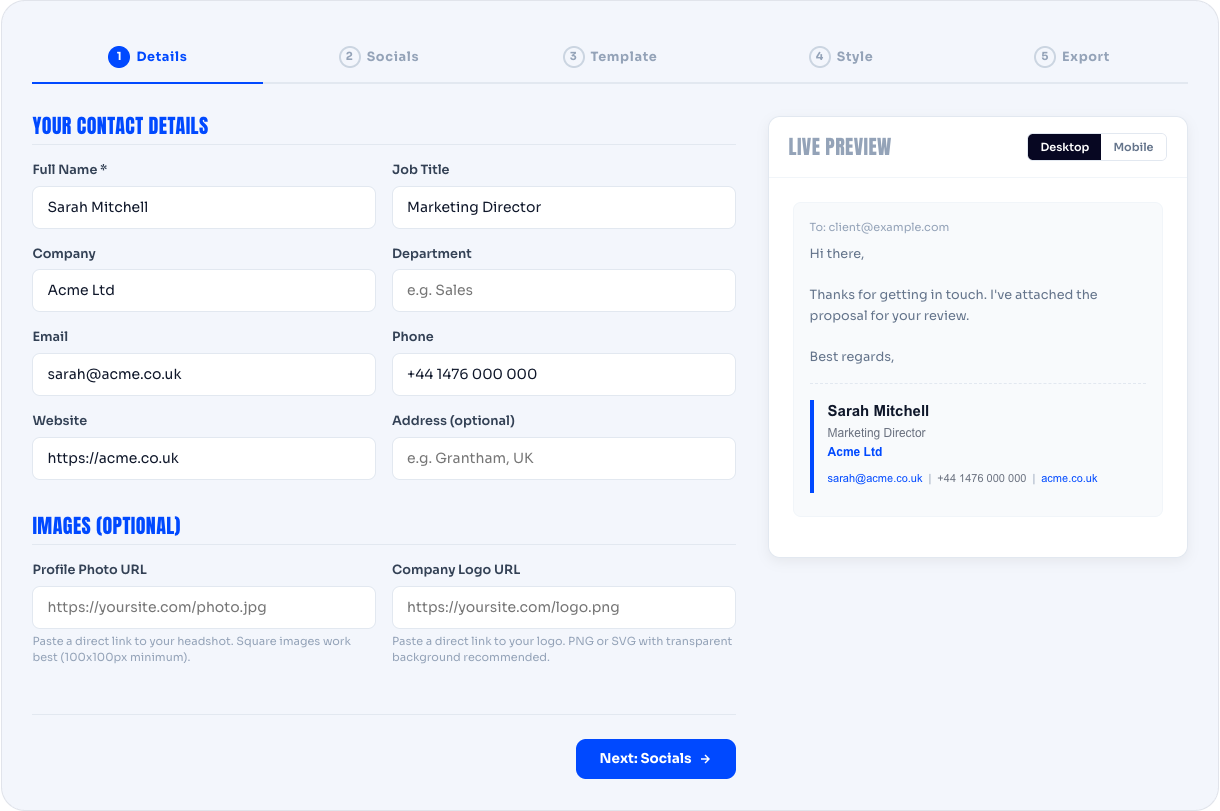
Make a clean HTML email signature that works in Gmail and Outlook.
How it works
Fill in your name, role, company, phone, website and social links, pick a layout, and copy the result into your email client. Instructions for Gmail, Outlook and Apple Mail are on the page.
Why signatures break
Email clients render HTML differently, images get blocked, and anything built with tables from 2009 looks wrong on a phone. The generator uses the simplest markup that works everywhere.
Built by Acer Arbuckle, Development Lead
Use the toolWant someone to check the numbers?
We'll look at your market and tell you honestly what budget would work. Ring 0800 699 0037 or email hello@codesky.co.uk. We reply within one working day.
Talk to us